See who returns to your story
Views gives workspace owners a time-based dashboard of registered audience activity across shared and public presentations. Use it to understand which presentations are earning attention and which known viewers return.
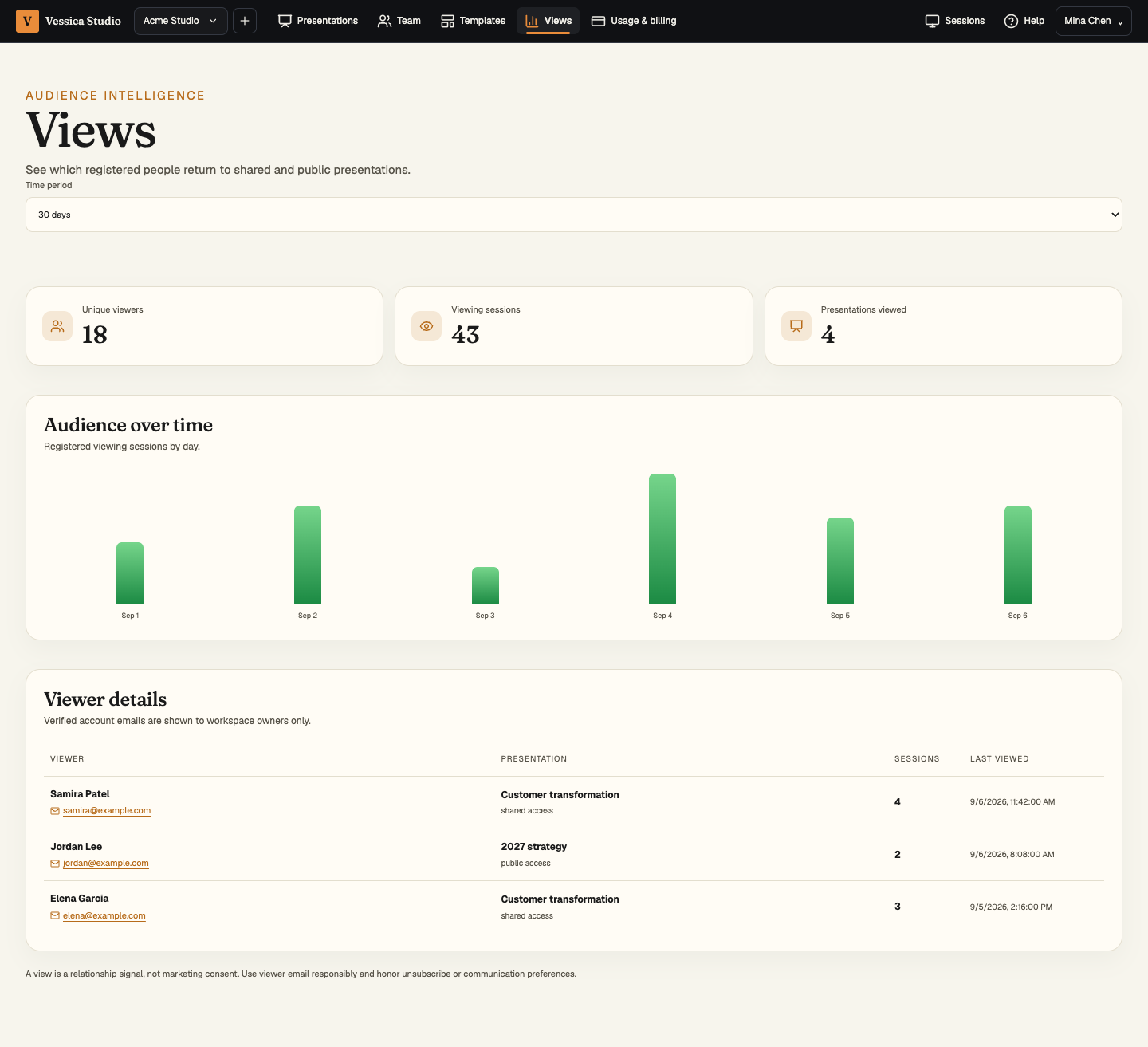 Owners can compare unique registered viewers, viewing sessions, and viewed presentations, then inspect the verified account behind each recorded session.
Read the dashboard
Choose a 7-day, 30-day, 90-day, or one-year window. The dashboard reports:
- Unique viewers — distinct registered identities that opened a presentation during the period.
- Viewing sessions — recorded audience access exchanges, not slide-by-slide impressions.
- Presentations viewed — distinct shared or public presentations with registered activity.
- Audience over time — daily sessions and unique registered viewers.
- Viewer details — verified name and email, presentation, access type, session count, and most recent view.
The same person viewing two presentations counts once in the workspace’s unique-viewer total and appears in the detail rows for the relevant presentation activity.
What is—and is not—identified
Viewer details come from authenticated or otherwise registered audience identity associated with the access exchange. Studio does not infer an email address for an anonymous visitor, fingerprint a browser to manufacture an identity, or expose viewer details to ordinary workspace members. The page requires workspace-owner authority.
Useful interpretation
Repeated sessions can indicate that a topic is useful, that a viewer shared the link internally, or simply that the deck was reopened. Treat Views as evidence for a conversation—not proof of intent. Pair the signal with the context in which the presentation was shared.