Start every presentation with a point of view
Templates define the visual language applied when Studio creates a presentation. Open Templates in the top navigation to browse included styles and the styles owned by your workspace.
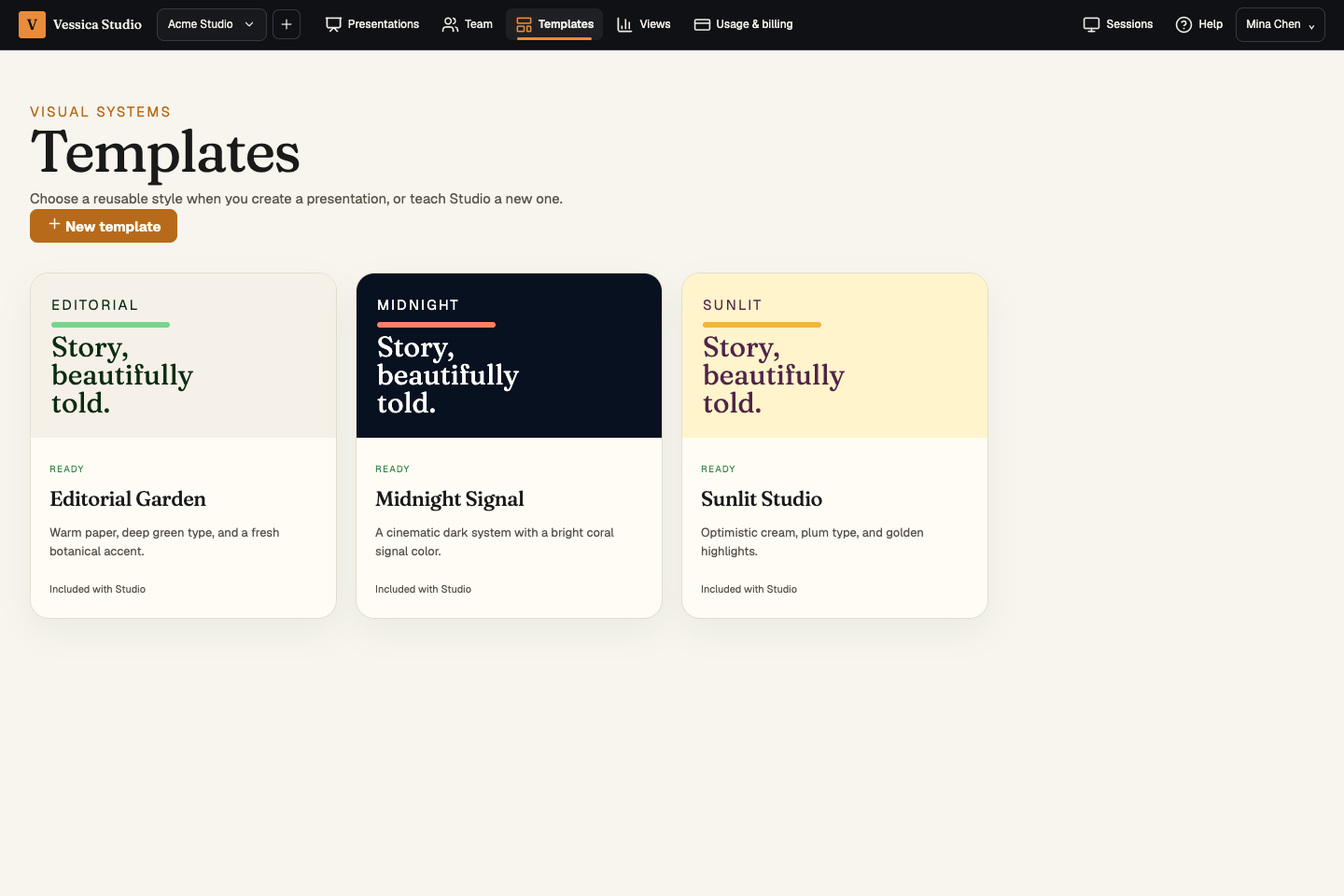 Included templates give a new deck a deliberate visual starting point. Workspace templates appear alongside them when they are ready.
Included templates
Studio includes three distinct starting systems:
- Editorial Garden — warm paper, deep green type, and a fresh botanical accent.
- Midnight Signal — dark, high-contrast surfaces with a bright coral signal color.
- Sunlit Studio — optimistic cream, plum type, and golden highlights.
Choose a template during New presentation. Studio writes the selected style into the deck’s normal theme file, so the result remains portable and editable through the same vstd file contract.
Add a workspace template
Choose New template, give the style a name and description, then select its source:
- Markdown — paste or upload a short style definition. Studio recognizes
background,foregroundortext, andaccentcolor tokens. You can also provide a fenced CSS block. Valid Markdown definitions become selectable immediately. - PowerPoint — upload a
.pptxexample. Studio reads the bounded OOXML theme package and extracts its primary light, dark, and accent colors plus major and minor Latin fonts. - Website — enter an HTTPS URL. Studio uses its outbound-request safety policy, follows only bounded HTTPS redirects, rejects private-network destinations, and extracts style signals from the page and up to three linked stylesheets.
# Calm editorial
background: #f7f3e8
foreground: #16351f
accent: #67bd78What a template changes
A selected template extends themes/default/theme.css in the new presentation snapshot. It does not replace the player, editor HUD, slide schema, companions, or permission model. Existing presentations are not restyled automatically when a template changes.
Only workspace members with content-writing access can create templates. Uploaded source files and extracted styles belong to that workspace.